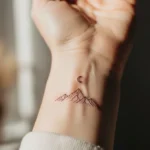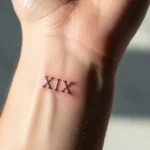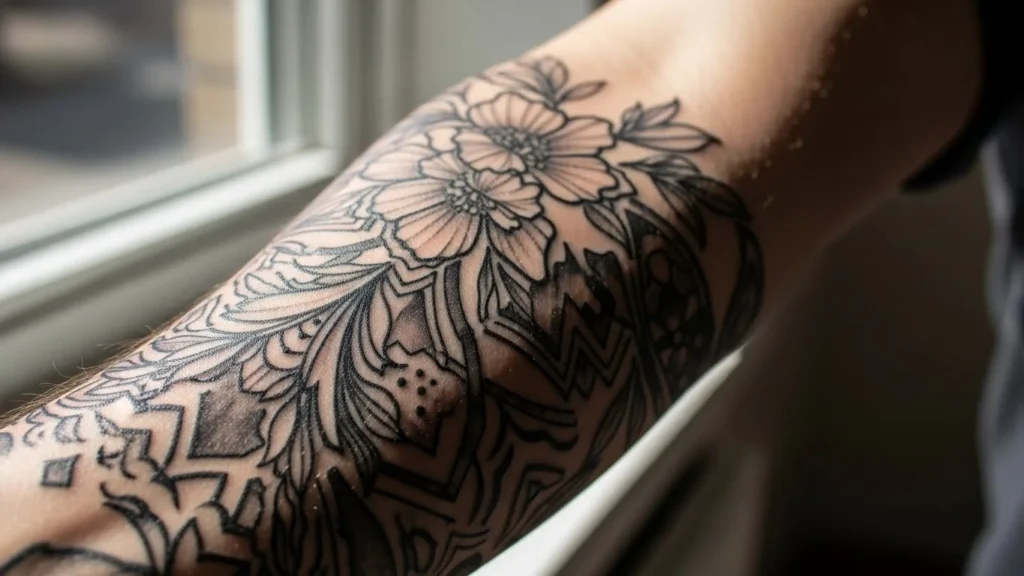
Pinterest loves tattoos—but only when they’re photographed right. A stunning tattoo can flop online if the lighting is off, the angle feels awkward, or the background steals attention. The flip side? A clean, well-shot photo can turn even a small tattoo into a scroll-stopping pin that gets saved again and again.

This guide breaks down how to photograph tattoos for Pinterest so your images look polished, intentional, and ready to perform.
Start With Clean Skin and Sharp Ink
Before you even think about the camera, prep the tattoo.
Quick prep checklist:
- Clean the skin gently
- Apply a light, non-greasy moisturizer
- Let it absorb fully before shooting
- Remove lint, dust, or stray hairs
Healthy-looking skin makes tattoos appear richer and more defined—no editing tricks needed.
Use Natural Light Whenever Possible
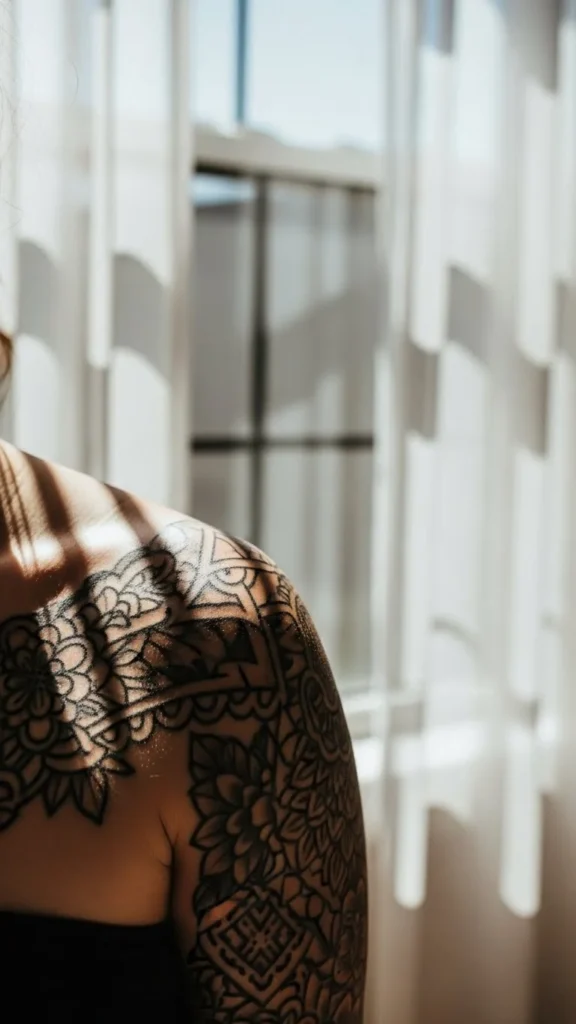
Lighting is everything on Pinterest, and natural light wins almost every time.
Best lighting tips:
- Shoot near a window, not under ceiling lights
- Morning or late afternoon light is ideal
- Avoid harsh direct sunlight
- Turn off indoor lights to prevent color shifts
Soft light shows ink depth without glare or harsh shadows.
Choose Angles That Feel Natural
Pinterest favors photos that feel candid, not clinical.

Try angles that:
- Follow the natural curve of the body
- Show the tattoo as part of a lifestyle moment
- Avoid straight-on “flat” shots when possible
Think editorial, not ID photo.
Keep Backgrounds Simple and Intentional
Your tattoo should be the star—not the surroundings.
Good background options:
- Plain walls
- Neutral fabrics
- Clean indoor spaces
- Soft outdoor textures (concrete, greenery)
Avoid:
- Busy patterns
- Distracting objects
- Bright colors that clash with the ink
Minimal backgrounds help tattoos stand out instantly in the Pinterest feed.
Shoot Vertical for Pinterest
Pinterest strongly favors vertical images.
Ideal image ratios:
- 2:3 or 3:4 vertical format
- Enough space above and below the tattoo
- Room for cropping without cutting off edges
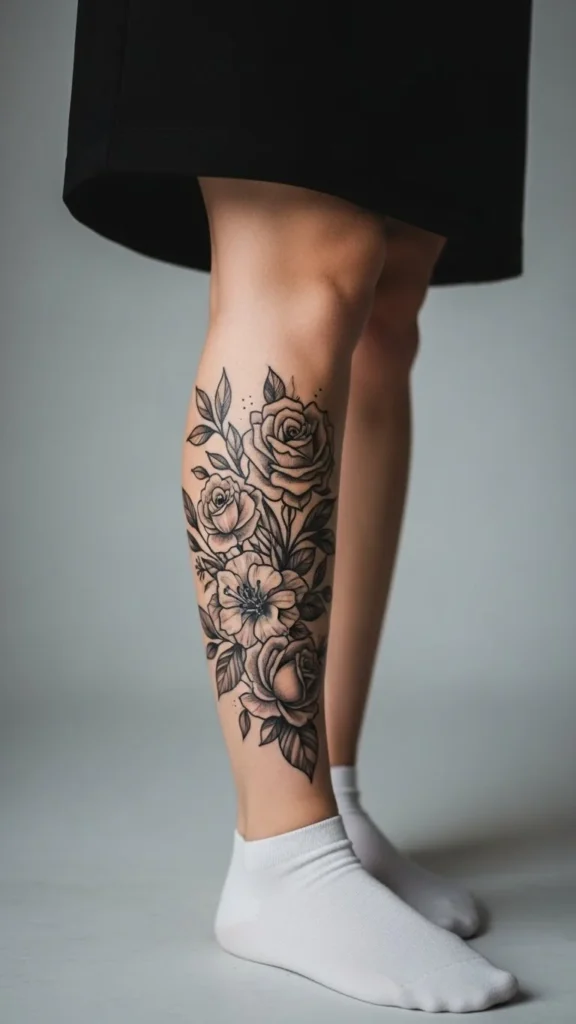
Vertical images take up more screen space—and get noticed faster.
Style the Shot Without Overstyling
Clothing and accessories should support the tattoo, not overpower it.
Helpful styling tips:
- Neutral clothing tones
- Simple textures
- Minimal accessories
- Rolled sleeves or intentional cutouts
If viewers notice the outfit before the tattoo, simplify the look.
Focus on One Tattoo Per Image
Pinterest images work best when there’s a clear focal point.
Avoid:
- Multiple tattoos competing in one frame
- Wide shots where the tattoo gets lost
- Busy compositions
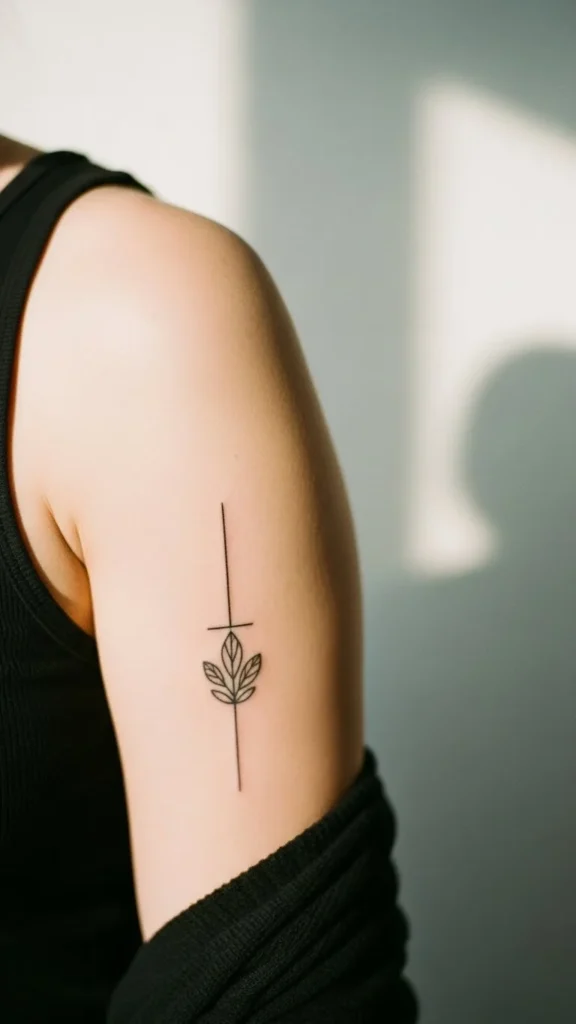
Clear focus = higher saves.
Edit Lightly (Don’t Overdo It)
Editing should enhance reality—not rewrite it.
Safe edits:
- Slight brightness boost
- Gentle contrast adjustment
- Minor warmth correction
- Cropping for balance
Avoid:
- Heavy filters
- Over-saturation
- Skin smoothing that removes texture
Pinterest users trust images that look real.
Create Multiple Shots From One Session
One tattoo shoot can give you multiple pins.
From one setup, capture:
- Close-up detail
- Medium lifestyle shot
- Vertical full composition
- Slight angle variations
This gives you more content without more work.
Think Like a Pinterest User
Pinterest isn’t Instagram—it’s visual search.
Ask yourself:
- Would someone save this for inspiration?
- Is the tattoo clearly visible at a glance?
- Does the image feel timeless?
Pinterest rewards clarity, calm visuals, and strong composition.
Common Tattoo Photography Mistakes
Avoid these if you want traction:
❌ Flash photography
❌ Cluttered backgrounds
❌ Extreme angles
❌ Over-editing
❌ Horizontal-only images
Fixing these alone can dramatically improve performance.
Consistency Builds a Strong Board
If you’re photographing multiple tattoos, keep a consistent look.
Consistency ideas:
- Similar lighting style
- Repeated background tones
- Matching image ratios
- Cohesive mood
This makes your board feel curated and professional.
Final Takeaway: Simple Photos Win on Pinterest
You don’t need fancy equipment—just thoughtful choices.
✔ Clean skin
✔ Natural light
✔ Simple backgrounds
✔ Vertical framing
✔ Light editing
✨ Save this guide for later, and start photographing tattoos that actually get saved on Pinterest.