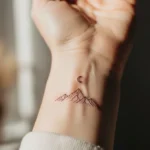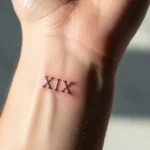
Pinterest can feel like a never-ending stream of tattoo ideas. You open the app for “just a minute,” and suddenly you’ve saved fifty designs that don’t even go together. Sound familiar? Saving tattoo ideas like a pro isn’t about collecting everything. It’s about creating clarity, direction, and confidence before you commit to ink.
This guide will show you how to use Pinterest intentionally—so your boards actually help you, not overwhelm you.

Start With One Clear Goal
Before you save a single pin, pause. Ask yourself why you’re saving tattoo ideas.
Are you:
- Planning your first tattoo?
- Designing a future sleeve?
- Exploring styles with no deadline?
- Refining an idea you already have?
Write your goal in one sentence. This becomes your anchor. Every pin you save should move you closer to that goal.
Without a goal, boards turn into clutter fast.
Create Focused Boards (Not One Big Dump)
The biggest beginner mistake is saving everything to one board called “Tattoo Ideas.” Pros don’t do that.
Instead, create specific boards, such as:
- Fine line tattoos
- Floral tattoos
- Arm placement ideas
- Black and gray portraits
- Minimal symbols
Focused boards make patterns easier to spot later.
Tip: You can always merge boards later. It’s harder to untangle a messy one.
Save for Details, Not Just the Whole Design
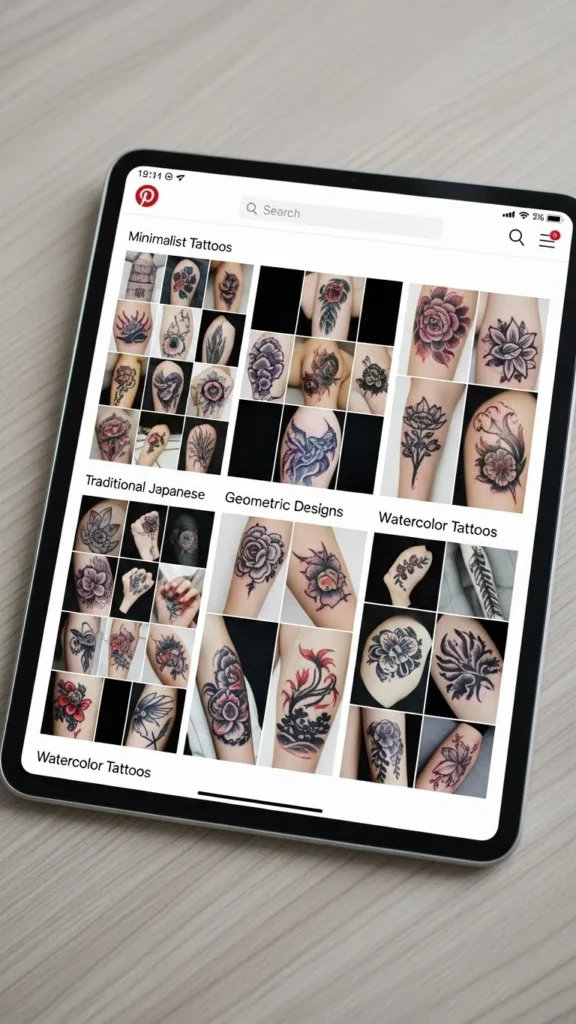
When pros save pins, they’re not always saving the entire tattoo. They’re saving parts.
Look for:
- Line thickness
- Shading style
- Flower petals
- Facial expressions
- Dot patterns
- Color palettes
You might save one pin for the eye style, another for the leaf shape, and another for overall flow. That’s how custom tattoos are born.
If you can explain what you like about a pin, it’s worth saving.
Use Board Sections to Level Up
Board sections are a hidden superpower.
Inside a single board, create sections like:
- “Love the linework”
- “Great placement”
- “Color inspiration”
- “Too bold / too soft”
This helps you compare ideas without creating ten separate boards.
Sections turn your board into a design tool instead of a mood board.
Pause and Edit Weekly
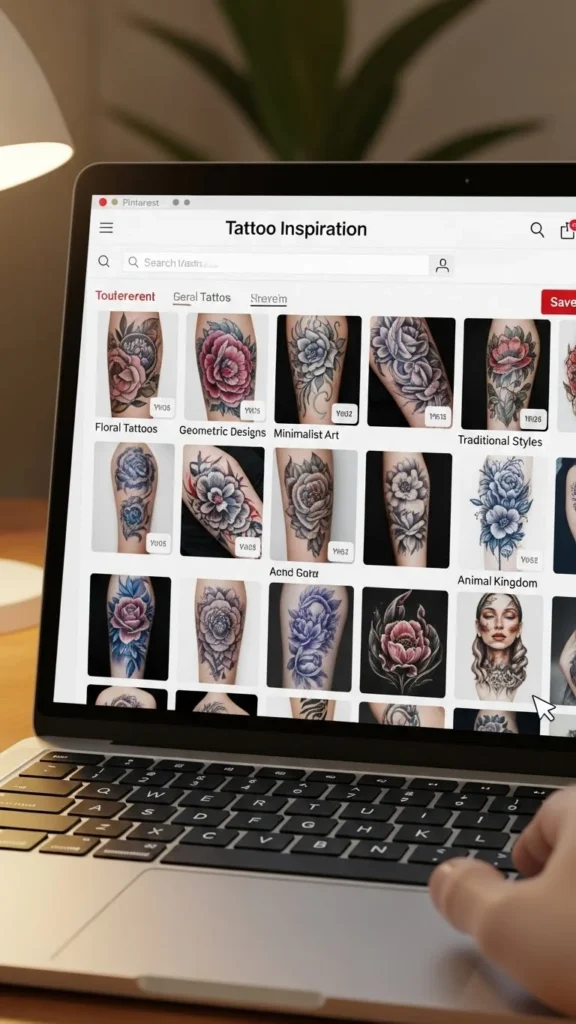
Saving nonstop without reviewing is how confusion starts.
Once a week:
- Scroll through your board
- Remove pins that no longer excite you
- Notice repeated themes
- Ask what feels most “you”
If a pin felt exciting once but now feels random, delete it. Tattoo planning rewards honesty.
Pros know: what you remove is just as important as what you keep.
Watch for Repetition (That’s a Good Sign)
When you start seeing the same things over and over, pay attention.
You might notice:
- The same flower shape
- Similar arm placements
- Repeated black-heavy designs
- The same mood or softness
Repetition means preference. Preference leads to confidence.
That’s how you know you’re getting closer to your real tattoo idea.
Don’t Copy—Translate
Pinterest is for inspiration, not duplication.
Instead of thinking:
“I want this exact tattoo”
Try:
“I like the softness of this shading”
“I love how this flows with the arm”
“I’m drawn to this symbol style”
Artists respect clients who bring inspiration, not demands. Your board should communicate taste, not instructions.
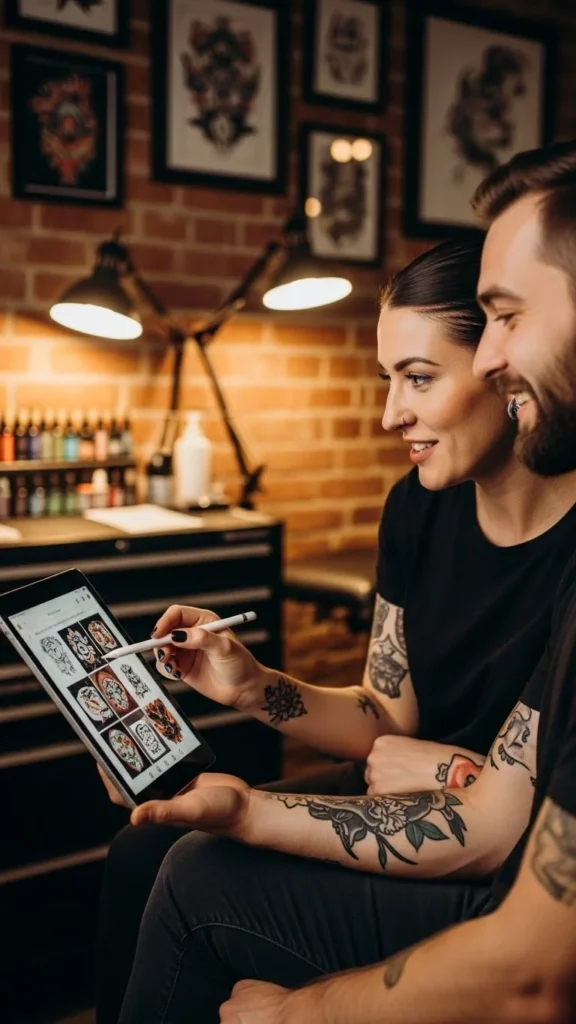
Save Placement Inspiration Separately
Placement deserves its own board or section.
Why?
- The same design looks different on different bodies
- Size and flow change everything
- Some placements age better than others
Save images that show:
- Tattoos on real bodies
- Different angles
- Movement and posture
This helps you avoid designs that look great online but awkward on skin.
Keep a “Maybe” Board
Not everything needs to be decided now.
Create a private board called:
- “Maybe Later”
- “Future Ink”
- “Exploring Styles”
This keeps curiosity alive without polluting your main planning boards. Pros give themselves room to change their mind.
Final Takeaway
Saving tattoo ideas on Pinterest like a pro means slowing down, staying intentional, and editing with purpose. When your boards are clear, your decisions feel lighter—and your final tattoo feels right.